 |
| I didn’t expect to have Part 2 on this topic. But somehow CS commented that we can actually do it in blogspot itself. I never tried. Since he said it’s working and I actually see it from his blog, I share it to all of you (Just in case you didn’t read his comment).
Steps:
1. Go to the Page Element in blogspot. (I hope you know how to go to page element, if don’t know, knock your head on the wall. Hahahaha, just kidding.) It’s under Template > Page Element.

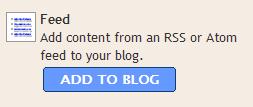
2. Add a Page Element. Choose Feed and click Add to Blog.
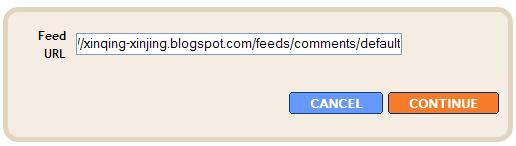
3. Enter the URL as below: http://xxx.blogspot.com/feeds/comments/default. For example, http://xinqing-xinjing.blogspot.com/feeds/comments/default. Click Continue.
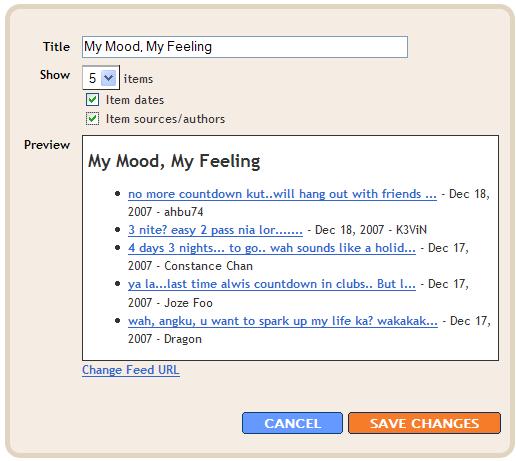
4. You can edit the title and select the option you want. Only maximum of 5 comments can be displayed. You can preview on the option you have selected.
Besides comments, if you want to view your recent post, you can follow the same steps but when enter the URL, change the comments to posts, like this:
http://xinqing-xinjing.blogspot.com/feeds/posts/default.
Understand? I think this one is not so useful since we already have Blog Archive.
So, which one you prefer? The Widget or the Feed?
For me, I prefer the Widget. Besides author, date and comment, I also can know which post is actually readers left the comments on.
* Thanks CS for the sharing on another way of adding recent comments into blogspot.

